


Quiz App Development Company.
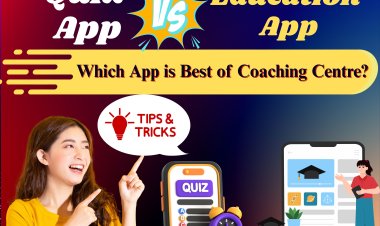
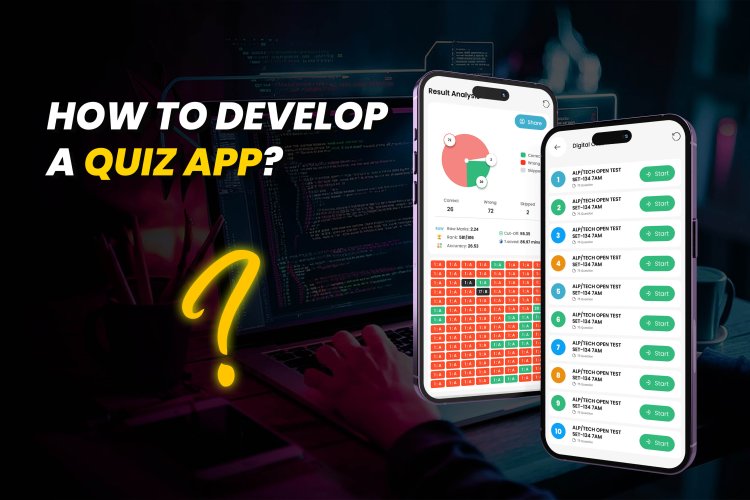
Building Your First Android Quiz App: A Complete Development Guide. So, you are thinking about creating a quiz app? Great choice! To develop a successful quiz app, start by brainstorming engaging and relevant quiz topics. Consider your target audience and what type of quizzes they would enjoy. Next, design user-friendly interfaces that make navigating through the app easy and enjoyable. Don't forget to incorporate interactive features like timers or leaderboards to enhance user engagement.
 Mera Template



Building Your First Android Quiz App: A Complete Development Guide.
Creating a quiz app can be a thrilling task for this Android developer who wants to give his end users a mobile experience. Do you want to know how to make such a quiz app that would be fun and functional? Well, you are at the right place. This tutorial will take you through the process of developing quiz apps in Android, be it a beginner or an advanced Android developer.
Step 1: Planning the App structure
Before just diving into code, it is better you sit down and outline some of the major features you want in your quiz app. A basic quiz app would consist of question screens, multiple choice answers, a timer, and a scoring. You can also have some extra features like categories, difficulty levels, and a results page so that the app becomes more interactive.
Step 2: Ready Your Android Development Environment
Before starting Android app development you need to have Android Studio which is the official ID for Android. For those new to Android development, several Android tutorials can be found on the internet to help set up the whole Android development environment.
Step 3: Keep the User Interface (UI) in Mind
The first step to real application development is designing the UI. Create screens for displaying questions, answers, and a final score. Use Android app development quiz answer buttons for user selections and ensure that the layout is simple and user-friendly. The option to develop dynamic layouts is available for adapting to different sizes.
Step 4: Construct the Backend Logic
For the quiz app development, you need to first store all the quiz questions and answers either in a database or as static resources. After that, you can write the backend logic in Java or Kotlin, to handle the functionality associated with the user interactions. Whenever a user selects an answer, it should verify whether it was correct and update the score.
Step 5: Implementing Quiz Functionality
In this step, you will program the logic to go to different questions, tally the scores, and show the final result. There are many Android quiz app development tutorials that explain this in detail in a step-by-step manner and are available for free on the internet.
Step 6: Test Your App
After creating the app, do extensive testing before the launch for smooth operations. It should include checking for all bugs and issues, especially around android app developments quiz answers and navigation flow. With this done, testing will make the app more perfect for a fine-tune before the release.
Step 7: Personality Quiz Features
Make the quiz even more interesting by adding this type. Have a personality quiz option in your application. This can be done with the app development using Swift in case you are intending to build it cross-platform or make it only for iOS. The application will be more fun and shareable through using questions based on personality.
Step 8: Monetization and Launch
The monetization of quiz applications can be done through ads, in-app purchases, or premium features, and finally publishing the application on the Google Play Store to complete the app's polishing process. Wherever possible, write a user manual and an eye-catching introduction.

How to Develop a Quiz App: A Step-by-Step Guide for Beginners
Many people are wondering how to develop a quiz app today. Quiz app development is the best route to take in mobile development given the increasing popularity of educational and interactive apps. It's a beginner guide for developing a quiz app for Android or iOS, explaining everything required to develop a quiz application.
Step 1: Purpose of the Quiz App
Before you get your hands dirty with the technical stuff, know the objective of the app. Are you building it as an educational tool, as trivia, or as a personality quiz? It can start informing your process of development and all your design decisions.
Step 2: Choose Your Platform
Most beginners usually start developing for Android. In order to develop quiz app Android, you would need to install Android Studio and basic knowledge of Java or Kotlin programming. If you want to go for iOS, try out swift personality quiz features app development to catch the eye of iPhone users.
Step 3: Sketch out the App Layout
Design the user interface with simple tools or directly in Android Studio. Your app should have a direct navigation from one question to the next, options for answers, and a results screen. Keep usability in mind to ensure users can easily interact with your quiz.
Step 4: Follow An Android Development Tutorial
This Android quiz app development tutorial can also be referenced from the Android tutorials guide to learning Android app development in a quiz & examples format. For sure, these tutorials would be the best in providing a code snippet example, description, and many things that are about developing your app step-by-step toward completion.
Step 5: Code Your Core Features
This is the heart of quiz app development. Here actually either store questions-and-answers locally (i.e., using arrays or JSON) or online through APIs. You also have to design a logic for receiving user input, checking correct answers, updating scores, and results display needed. Your actual understanding of the exact android app development quiz structures would define their smooth operation.
Step 6: Test and Refine
You can either take your app along to the emulator of Android or a physical device to test the app. Even make sure that your application has been tested for all bugs or issues in the UI-associated behavior, especially the android app developments quiz answer flow. All a user needs in interfacing with the app will help create a great experience.
Step 7: Release and Market Your App
You have completed the initial developmental stage of your application with the preceding steps, so don't even wait and release it on the Play Store or the App Store. As a quiz application developer, always keep in touch with every feedback and updates regarding improvements to the feature and usability of the app over time.
By following these steps and knowing the appropriate app development quiz resources, you will be in the right direction to create engaging quizzes that will be a source of entertainment for everyone.
Android App Development for Quiz Apps: Key Features and Best Practices
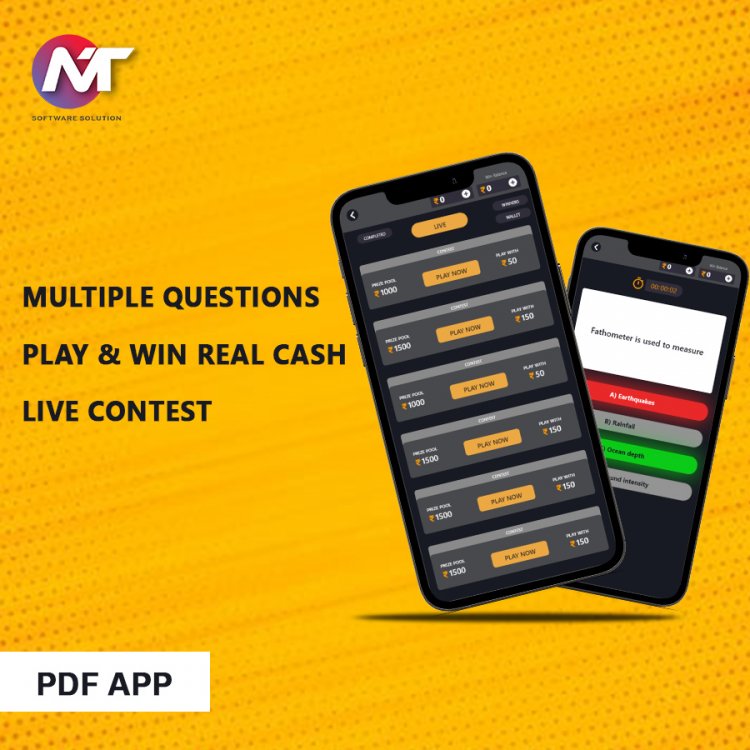
Mobile learning and gamified education are on the rise, and quiz applications have quickly become a popular and profitable niche. Regardless of whether you are just starting or on your way to becoming a quiz application developer, knowing how to develop quiz applications for Android in the right way will further improve your standing in that competitive arena. This guide discusses the key features, best practices, and tools that ought to be mastered in quiz app development.
Key Features of a Successful Quiz App
While diving into developing a quiz app, you should consider these must-have features:
Interface/User-Friendly: Easy navigation, well-presented question layouts, and intuitive answer selections.
Dynamic Question Bank: A database or API to Store and Retrieve Random Questions.
Immediate Scoring: Which gives feedback to users as they answer.
Time Options: To time quizzes for user engagement.
Progress Tracking: Letting users know their quiz history or performance over time.
Result Sharing: Sharing scores on social media or challenging a few friends.
Best-Practice Development
So, you should start with an android quiz app development tutorial or android tutorials that will guide you along by teaching you everything about building an android app with quiz & examples. On this resource, you will find step-by-step instructions, from configuring Android Studio to crafting efficient code in either Java or Kotlin.
So, here is what you must know:
Set Up the Development Environment: Android Studio is installed. Java is selected or Kotlin.
Design UI: Using XML layout. Should be simple and responsive.
Back-End Logic: Using a Local Array or Firebase To Handle Questions and Answers.
Answer Validation: Here is where the logic for android app development quiz answer selection, validation, and scoring would be handled.
Testing: Thorough checking that all answers are showing and scoring correctly. Error-handling in android app developments quiz answer flows.
For iOS Developers
If you are interested in iOS, try out app development with Swift styled personality quiz. Swift allows for different kinds of interactive quizzes like "What type of entrepreneur are you?" perfect for lifestyle and branding apps.
How to Build a Personality Quiz App: Best Practices for App Development
The personality test mobile applications have surfaced as a safe bet: applications made for pure fun, applications to engage consumers, and some others for educational purposes. In case you are pondering how to create a quiz app, this article should provide you with a systematic guide on the core steps and best practices for Android and iOS.
Personality Quiz-Theory
Personal quiz surveys are different from the 'right or wrong' quizzes in that they are based on scoring models that link answers to particular personality structures or categories. There is logic that should be built by a well-founded quiz app developer in order to compute points or apply weights to different choices of responses.
Android Development: Basics First
To start writing quiz applications, Android is what you will use. You will carry this work on in Android Studio and work with either Java or Kotlin. Begin with an android quiz app development tutorial on the creation of basic layouts, interactivity, and user data.
There are a few cool android tutorials suited to helping you learn about android app development by working on quiz examples. Custom-made examples and templates are available for use. Concentrate on writing multiple-choice questions, tracking selected answers, and placing those answers on a scale that assigns them to assigned personality categories.
Main Development Suggestions
- Scoring: Custom scoring logic; conditional statements or point-weighting systems can be deployed to analyze the results.
- Visual Feedback: Reward the user with a description, photo, and personalized text based on the quiz outcome.
- Save and Share: Let users save their results for sharing via social networks.
- Logical Testing: Subject your scoring algorithm to real scrutiny. Wrong mappings of answers could possibly lead to utterly undesired outcomes. All tools and techniques to find and fix problems in android quiz app development will definitely be of help.
Swift for Personality Quizzes on iOS
For iOS, swift personality quiz applications would allow you to create cutting-edge, user-intuitive experiences. SwiftUI offers the added benefit of building quiz interfaces and dynamic result pages, a match made in heaven for a storytelling approach to personality quizzes.
Quiz App Development: Leveraging Android and Swift for Engaging User Experiences
The increasing demand for interactivity in mobile apps has made quiz apps a darling for teachers, marketers, and entertainment. Quiz apps create fun with learning and are very engaging to connect with users. Any person wanting to venture into this rapidly growing app category should know how to build it. Developers can create high-performance quiz apps in Android and Swift that target Android and iOS users alike.
To build a quiz app for Android, developers nowadays generally use Android Studio, Java, or Kotlin. Development includes providing the app with user-friendly UI, using databases for browsing, adding features, integrating time limits, scoring, and providing real-time feedback. For a beginner, an Android quiz app development tutorial can facilitate learning each step involved. These tutorials include code snippets and detailed explanations of best practices.
Next to tutorials, in-depth knowledge on quiz app development, with suitable examples, covers a lot in an Android app development guide. Structured lessons with answers to the quiz sections during Android app development can help you reinforce concepts. Others have Android app development quiz answer modules to assess your learning during app development.
On the iOS-side, personality quizzes and immersive quiz experiences development Swift mostly gets the spotlight. Swift is known for its clean syntax and performance to build engaging apps. This is especially useful for quizzes that require animation, custom transitions, or complex logic paths based on user responses.
An experienced quiz app developer will look into scalability, analytics, and monetization options during the quiz app development process. Enhancing revenues through ads, premium questions, or subscription models is a way to go. These features with user progress tracking and personalized question recommendations can increase engagement.
From trivia challenges to educational tests to personality quizzes, if these are well incorporated together with the right tech stack and development practices, the app will just go miles ahead. Having additionally mastered both Android and Swift, a developer can create a seamless experience for any quiz that is educational and entertaining. With the complement of the right tools, tutorials, and creativity, your quiz can get distinguished in the already oversaturated app market.
My Contact Number is +91 95187 40169